
Editera Tool
Made for fast, accurate scene detection in Final Cut Pro.
Price: £17.99
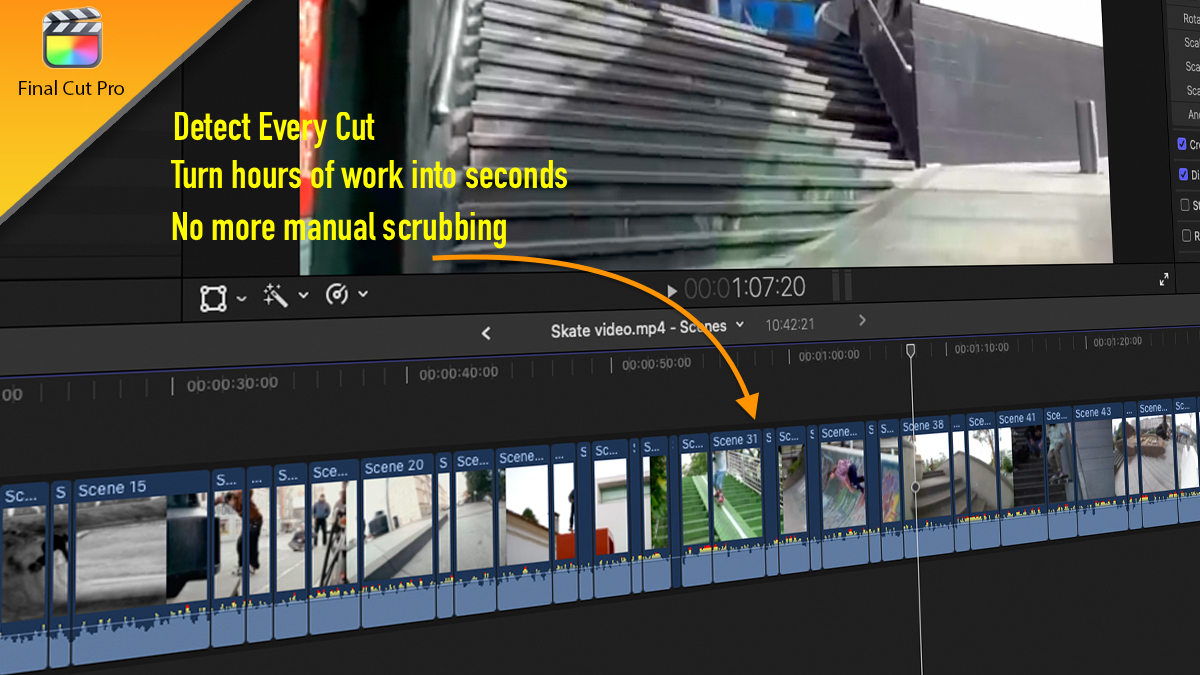
Stop wasting time scrubbing through hours of footage looking for cuts.
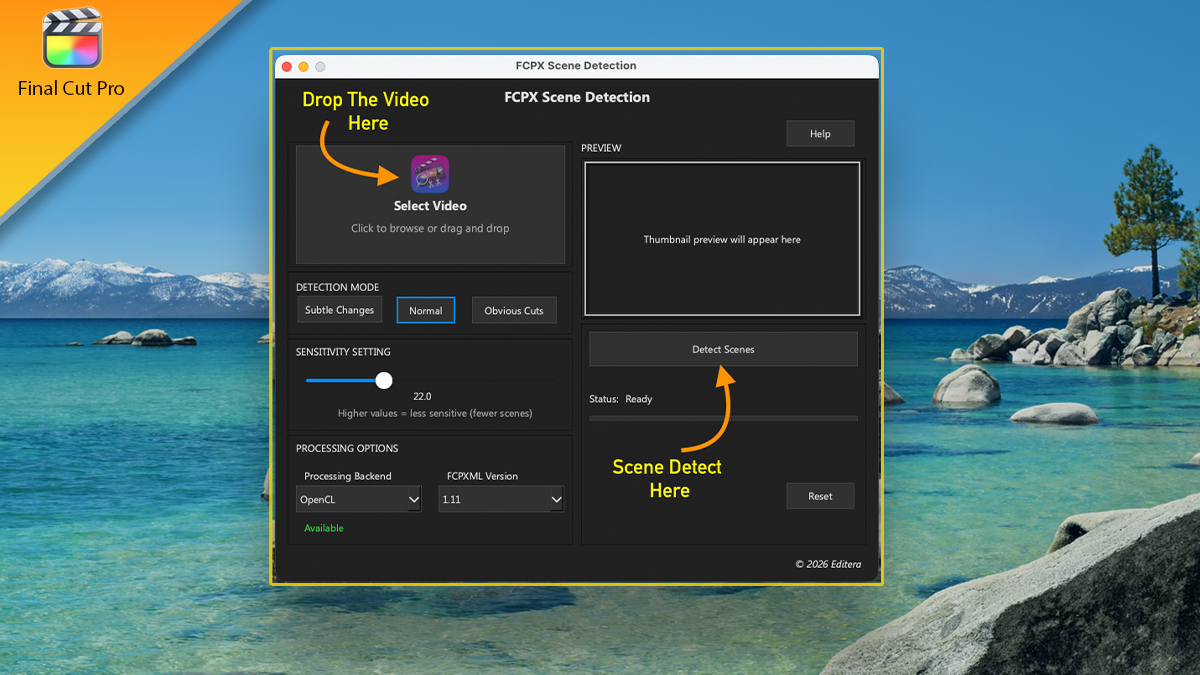
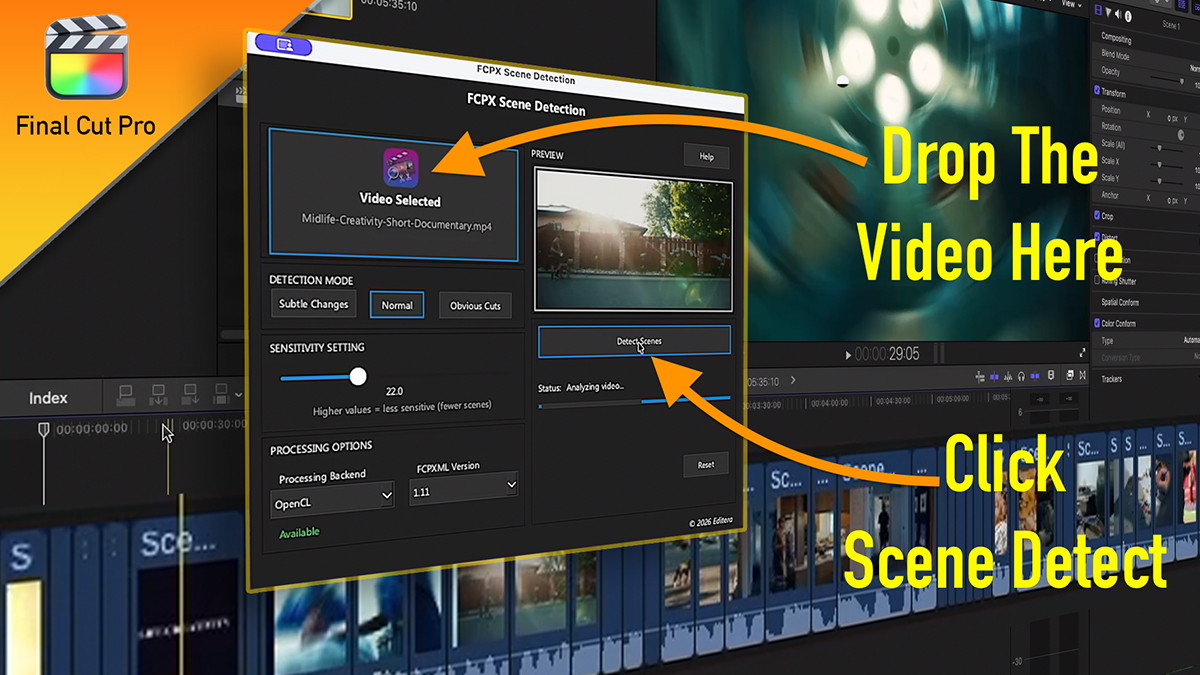
FCPX Scene Detector automatically scans your video and detects every scene change with precision.
In just seconds, the software analyzes your footage and splits the video into individual clips at each scene cut - ready to use directly in Final Cut Pro.
Break down long recordings, interviews, and multicam footage instantly so you can move straight to the creative part of editing.
Add product screens, cut maps, and marker results to show the full flow.
macOS app. Works with Final Cut Pro 10.6 and later.
Price: £17.99